DropBox Handler out for AmigaOS
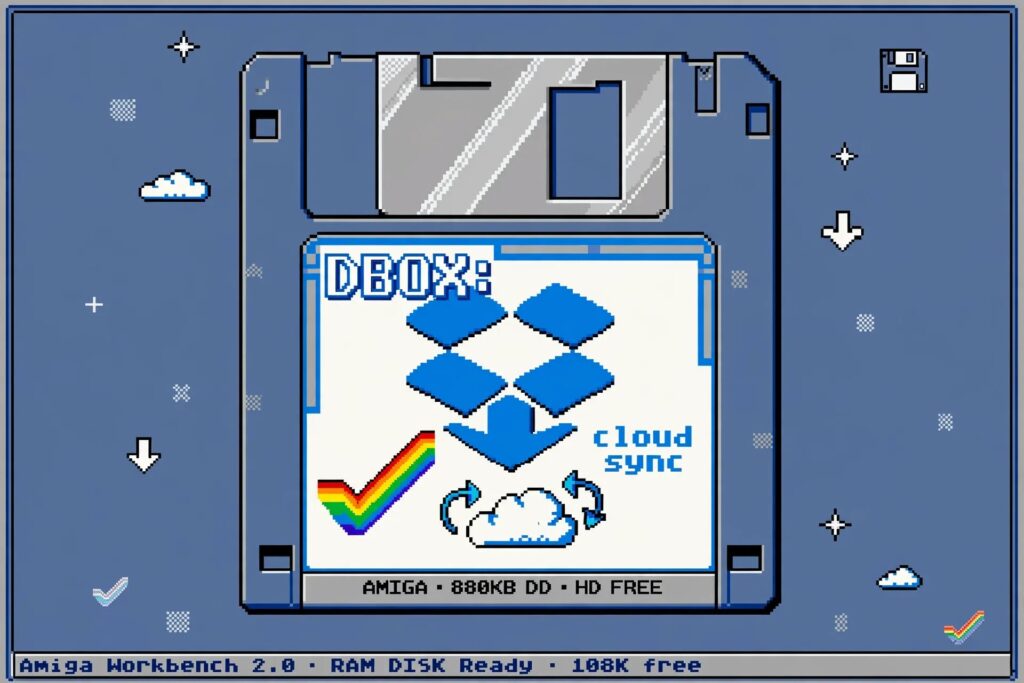
In a year where we all are waiting for AmigaOS 3.3, reborn of RTG and even Amix (Amiga Unix) for 060 have dominated headlines until now. The Amiga community brought a quiet revolution that might be the most useful of all.
Developer Norbert Kett just released an remarkable tool for all Amigans! Now there is a nice legal reason for using DropBox because of his DropBox-Handler 1.0 release on Aminet that was uploaded on July 19, 2026.
This is huge Cloud storage improvements for AmigaOS
This tool for AmigaOS 3.0 or higher does exactly what it says: Mount Dropbox as an Amiga volume DBOX: Now, that's very handy!
It follows in the footsteps of the legendary GoogleDrive_handler_68k, CloudDav and the AmiBox handlers that brought Google Drive and WebDAV to Workbench.
Why this DropBOX handler matters?
Its important for AmigaOS users to be able to save and download things from various cloud storage services. With this DropBOX handler you can:
Dir DBOX:Copy DBOX:MyProject/ DHO:Projects/ ALL- Save directly from Final Writer, PPaint or OctaMED to DBOX:
- Drag & drop on Workbench
This is on a Real 68K! It is a genuine AmigaOS application, running on a real Workbench desktop,... yes this is a real cloud storage solution. 2026 is still not over, yet the Amiga community don't sit quietly...! Just pure Ami-fantastic!
Quick DropBOX Handler Setup Guide (Classic 68K)
Requirements:
- AmigaOS 3.0 or better
- 68020+ with 8MB+ RAM is recommended. But 32MB and above makes it fly!
- MiamiDX / Roadshow / Genesis TCP/IP online
- AmiSSL / OpenSSL libs in LIBS:
Installation:
- 1. Download
DropBox-Handler.lhafrom Aminet - 2. Extract to RAM:
LhA x DropBox-Handler.lha RAM: - 3. Copy handler:
Copy RAM:DropBox-Handler/DropBox-Handler L:Copy RAM:DropBox-Handler/DropBox-Handler.info L:Copy RAM:DropBox-Handler/Devs/DOSDrivers/DBOX Devs:DOSDrivers/ - 4. Edit
Devs:DOSDrivers/DBOX— check Device, Unit, and OAuth token file path (usuallyDevs:DropBox/_client_code) - 5. Generate token:
- On PC/Phone, open the auth URL listed in
ReadMe(google shortlink or dropbox.com/oauth2/authorize) - Login, allow app, copy the code
- Save as plain text to
Devs:DropBox/_client_code
- On PC/Phone, open the auth URL listed in
- 6. Reboot or
Mount DBOX: FROM Devs:DOSDrivers/DBOX
You should now see DBOX: on Workbench when any Ethernet stack is on-line! Then you go Silent success again. This allows AmigaOS with roots in 1985 to mount 2026 cloud DropBOX storage without blinking.